

A new home for your projects.
One secure hub to effortlessly track progress and streamline communication and reporting, so you can focus on advancing your work in the Advanced Molecular Era.

Track your projects in one place
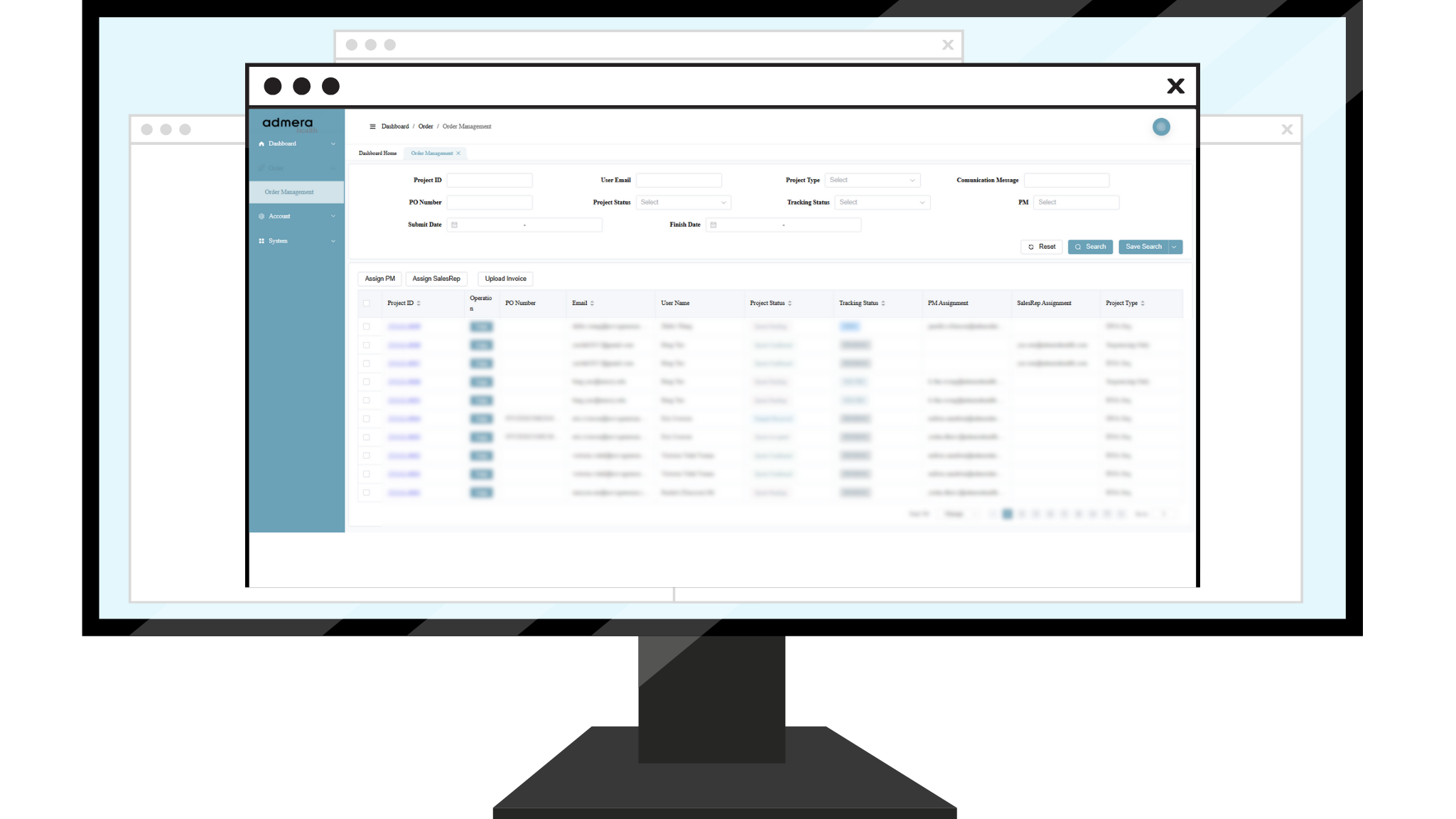
EraTrack is a centralized project tracking platform that keeps all your project information, statuses, and data in one place. Easily submit new projects, exchange comments with your dedicated project manager, and monitor progress in real time. Access past projects, stay up to date on current ones, and plan for what’s next—all in one secure, streamlined platform.
Using EraTrack

Inquire

Connect

Confirm

Track

Deliver
Centralized Updates: Submit & receive real-time updates & comments. Review past project communications in one place.
Key Features

Comprehensive Archive: Access all project details and deliverables for past and current projects.
Streamlined Communications: Keep track of all project communications, notifications, and updates in one spot.

Frequently Asked Questions
New to EraTrack?
Download our full User Guide for a complete walkthrough of all it’s features.
-
EraTrack is Admera Health's project management platform designed to help you manage all your genomic research projects. It provides real-time updates, data visibility, and seamless collaboration with the Admera Health team, giving you complete control and transparency throughout your research workflow.
-
Go to EraTrack and click "Create Account." Fill out the registration form with your information and select Continue. You'll receive an email to verify your address—click the link to complete your registration. If you don't receive the email within 5 minutes, check your spam folder or contact [email protected].
-
On the login page at ui.admerahealth.com, click "Forgot Password." You'll receive an email with instructions to reset your password. You can also reset your password after logging in by going to your Profile Icon and selecting "My Profile."
-
Your project will move through several stages: Quote Pending → Quote Confirmed → Quote Accepted → Sample Form Submitted → Waiting for Samples → Sample Received → Sample QC Report Ready → Result Delivered → Completed → Invoiced. You can track your project's current stage using the progress bar on your project page.
-
Click "Start a Project" in the navigation bar and select your desired service type. Complete all required fields based on your project requirements and click "Submit Request." You'll receive a unique Project ID and a confirmation email. The Admera Health Project Management Team will then send you a draft quote for review.
-
Group Projects enable collaboration with team members on shared research. To create one, start a new project and select "Create a Group"—you'll become the group owner. Navigate to My Projects and click "Join Group" for that project. You can then invite collaborators by adding their email addresses in Group Management (Projects > Group Project > Group Management).
-
The Principal Investigator feature provides lab owners with comprehensive oversight of all projects within their lab—whether open, ongoing, or completed. To access this feature, contact the Admera Health team to become a lab owner. Once confirmed, you can manage lab members and view all associated projects.
-
For assistance, contact the Admera Health team at [email protected] or call 908-222-0533. You can also visit www.admerahealth.com for additional resources.